
iPhone Trade-In Tips to Get Highest Price: Maximize Your iPhone Trade In Value
You're ready to sell your old iPhone. But how much can you actually get? The difference between a $300 offer and a $500 offer often comes down to preparation. Most people leave money on the table simply because they don't know the simple tricks that boost trade-in value.
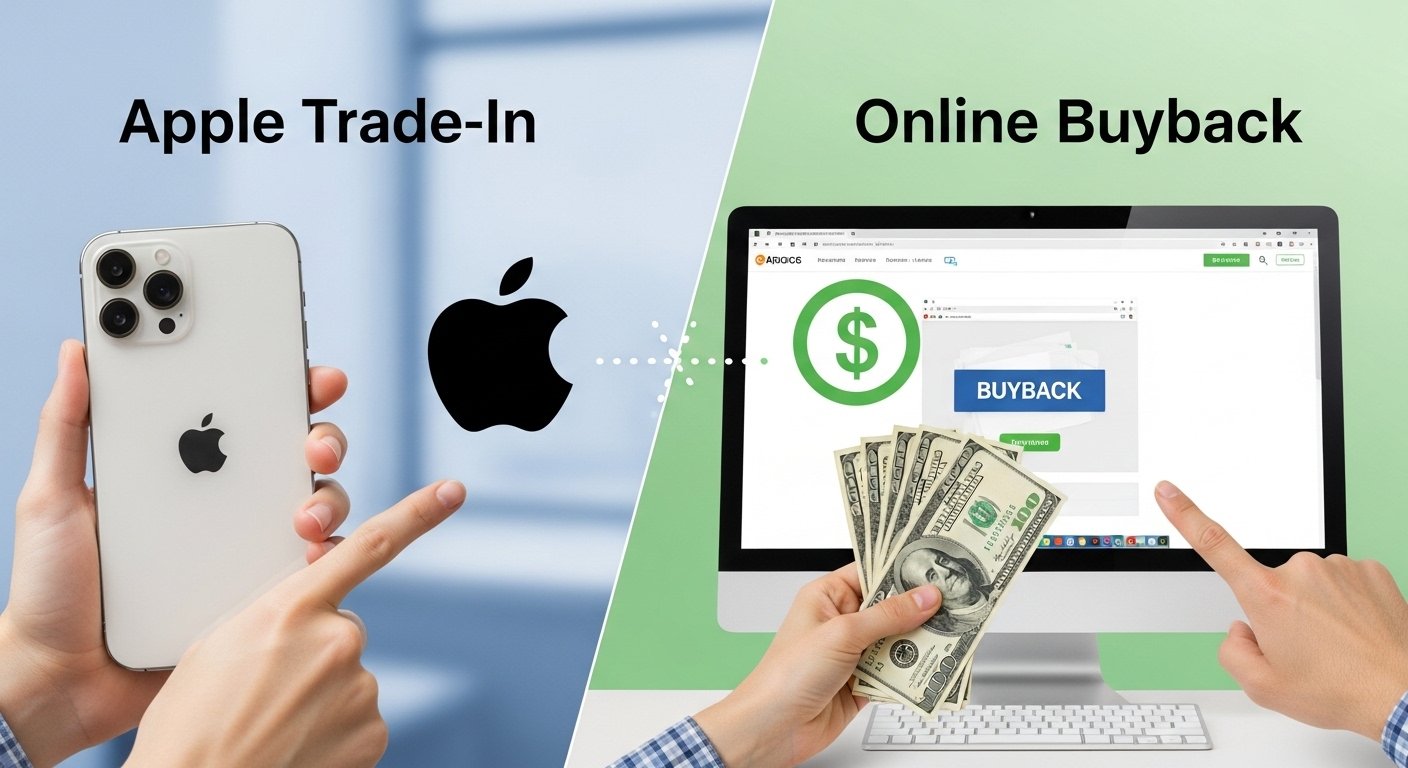
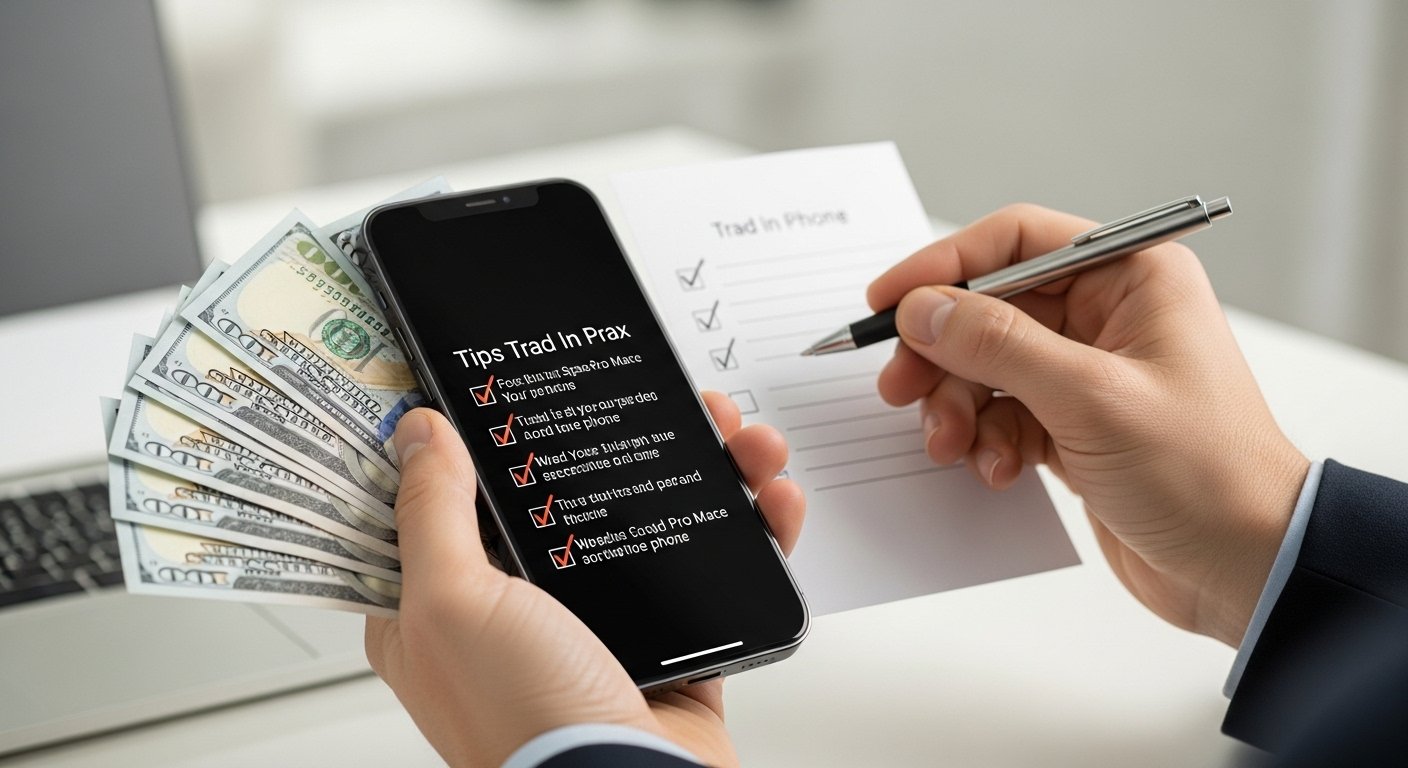
In this guide, we're sharing our best iPhone trade-in tips to get the highest price. These are the same strategies our team uses to evaluate thousands of devices. Whether you're planning an iPhone trade in through our service or comparing offers elsewhere, these tips will help you walk away with more cash. Let's maximize your payout.
Table of Contents
- Why iPhone Trade-In Values Drop (And How to Stop It)
- The Ultimate iPhone Trade-In Prep Checklist
- Clean Your iPhone Like a Pro
- Unlock & Remove Accounts (Critical!)
- Battery Health: The Hidden Value Killer
- Screen Scratches & Cosmetic Wear: What Matters
- Timing Your Sale for Maximum Value
- Common Mistakes That Cost You Money
- Frequently Asked Questions
- Get Your Highest Offer Today
Why iPhone Trade-In Values Drop (And How to Stop It)
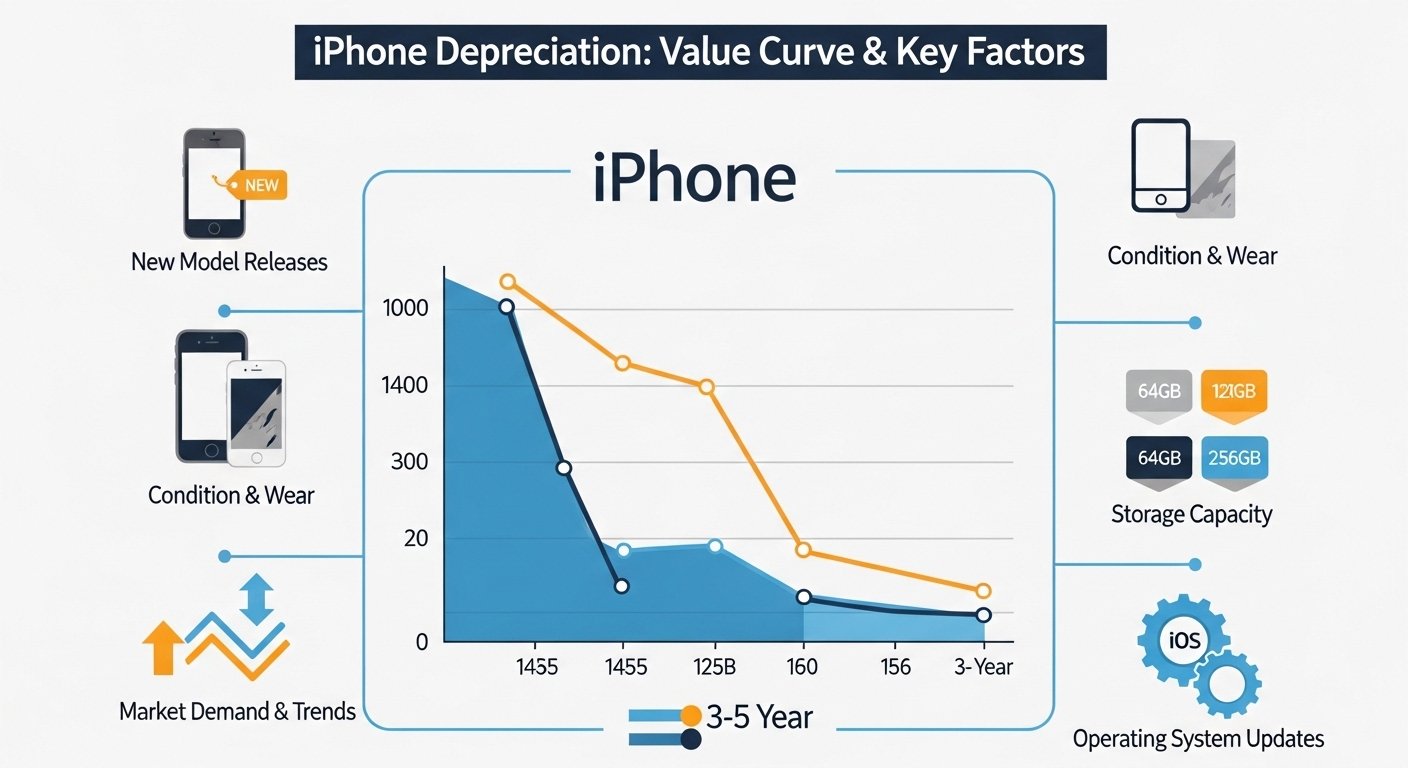
iPhones depreciate faster than almost any consumer electronics. The moment a new model launches, older models lose 10-20% of their value almost overnight. But that's not the only factor.
Physical condition, battery health, and carrier status all play huge roles. A perfect-condition iPhone 13 might be worth $400. The same phone with a cracked screen? Maybe $150. That's a $250 difference just for taking care of your device.
The good news? Most value loss is preventable. The iPhone trade-in tips below will help you protect and even enhance your phone's trade-in value.
The Ultimate iPhone Trade-In Prep Checklist
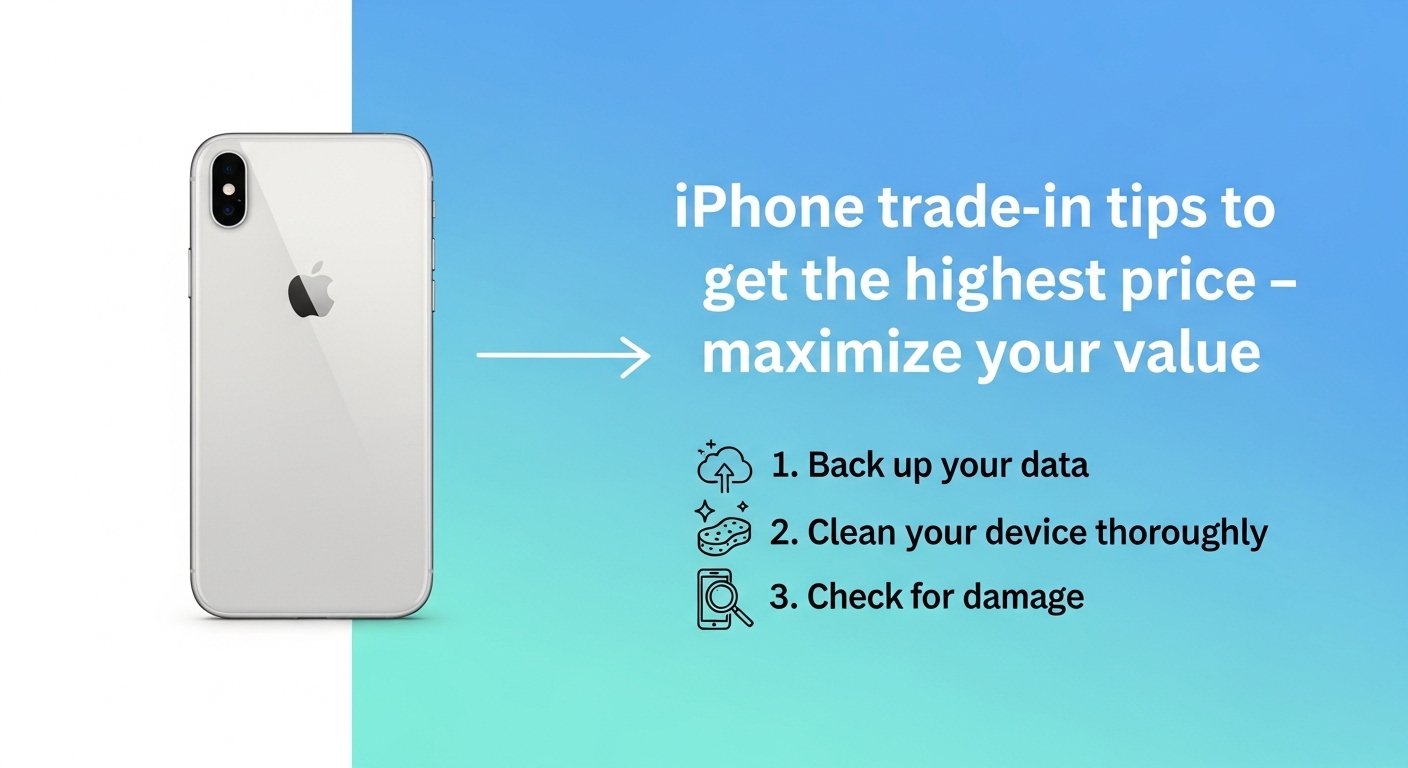
Before you even get a quote, run through this checklist. Every item can impact your final offer.
- Back up your iPhone to iCloud or computer
- Sign out of iCloud and turn off Find My iPhone
- Remove your SIM card
- Factory reset the device (Settings > General > Transfer or Reset)
- Clean the phone thoroughly (see section below)
- Unlock the phone from your carrier (if eligible)
- Charge the battery to at least 50%
- Remove any screen protector or case
- Gather original accessories (box, charger, cable) if available
Clean Your iPhone Like a Pro
A clean phone isn't just about aesthetics—it actually affects your trade-in value. Here's how to do it right:
- Use a microfiber cloth: Wipe the screen, back glass, and camera lenses gently.
- Clean the ports: Use a soft toothpick or SIM eject tool to gently remove lint from the Lightning/USB-C port.
- Remove sticky residue: If you used a PopSocket or adhesive mount, clean off residue with a tiny amount of rubbing alcohol on a cloth.
- Don't use harsh chemicals: Avoid bleach, hydrogen peroxide, or abrasive cleaners. They can damage coatings.
A clean phone often gets graded higher. Dust in the charging port can make it look neglected. A few minutes of cleaning can add $10-30 to your offer.
Unlock & Remove Accounts (Critical!)
This is the most important step—and the one most people mess up.
Turn off Find My iPhone: Go to Settings > [Your Name] > Find My > Find My iPhone and toggle it OFF. You'll need your Apple ID password.
Sign out of iCloud: Same menu, tap "Sign Out." This removes your Apple ID from the device.
Unlock from carrier: If you've paid off your iPhone, request a carrier unlock. Unlocked phones are worth 10-20% more than locked ones.
Battery Health: The Hidden Value Killer
Apple makes it easy to check your battery health. Go to Settings > Battery > Battery Health & Charging.
- Above 85%: Excellent. You'll get full value.
- 80-85%: Acceptable. Minor deduction possible.
- Below 80%: Significant deduction. The battery needs replacement.
If your battery health is below 80%, you have two options: replace the battery (costs $50-70 at Apple) and get a higher trade-in value, or sell as-is and accept the lower offer. For many people, replacing the battery is worth it.
Screen Scratches & Cosmetic Wear: What Matters
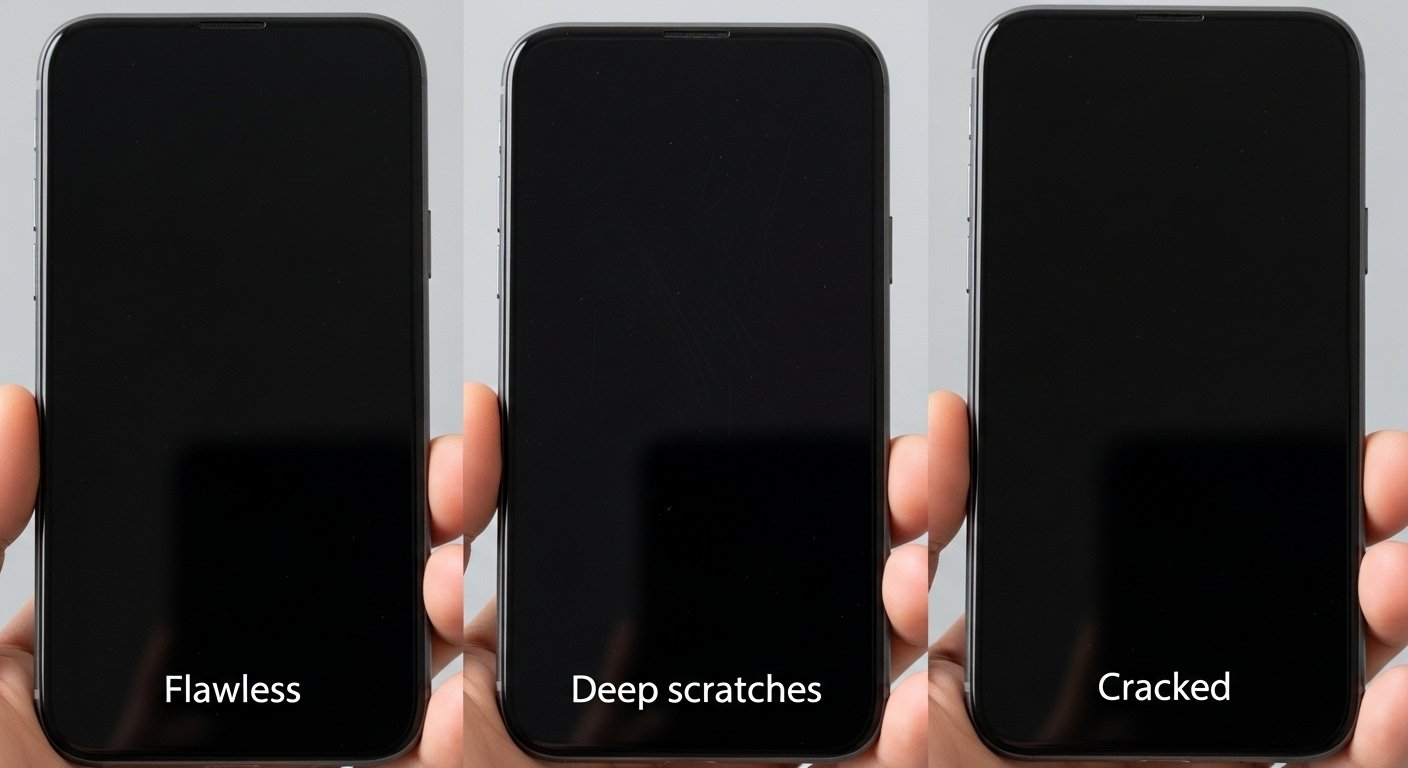
Not all scratches are equal. Here's how trade-in services typically grade screens:
- Flawless: No scratches visible even under bright light. Top-tier value.
- Micro-scratches: Fine scratches only visible at an angle. Minor deduction (5-10%).
- Deep scratches: Visible with screen on. Moderate deduction (15-25%).
- Cracked screen: Any crack. Significant deduction (50-70%).
A quality screen protector can prevent micro-scratches. If you have deep scratches but not cracks, a professional screen polish (costs $20-30) can sometimes restore the screen to "good" condition and boost your offer.
Timing Your Sale for Maximum Value
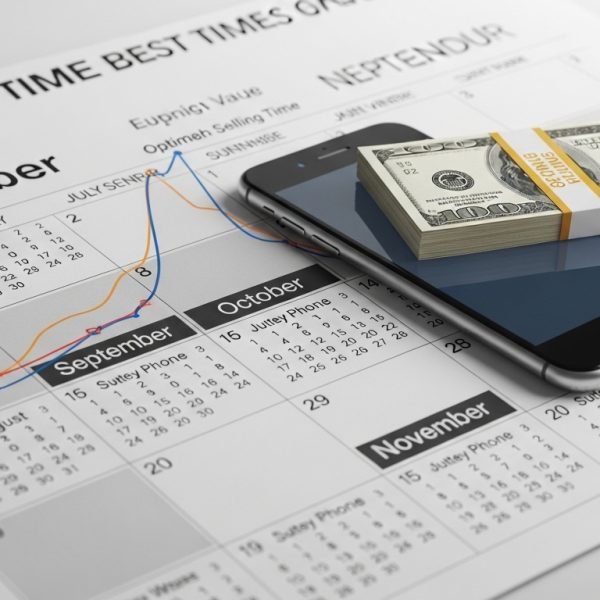
When you sell is almost as important as what you're selling. Here's the optimal timing strategy:
- Sell before new iPhone launches: New models are announced in September. Values drop 10-20% immediately after. Sell in July or August for best prices.
- Avoid holiday season: Prices dip in November-December due to promotions and new device gifts.
- Sell within 12-18 months of purchase: The steepest depreciation happens in year two. Don't hold onto a phone for three years if you want maximum value.
- Check current values: Use our phone value calculator to see real-time offers before committing.
For a deeper look at market timing, read our post: Apple Phone Trade-In vs. Verizon & Mint Mobile.
Common Mistakes That Cost You Money
Avoid these errors that we see every day:
- Not removing Find My iPhone: The #1 cause of delays and reduced offers. Always turn it off before shipping.
- Overstating condition: Saying your screen is "flawless" when it has micro-scratches leads to offer adjustments. Be honest.
- Shipping without protection: Even with a prepaid label, pack your phone in bubble wrap. Damage in transit can reduce your offer.
- Not unlocking your phone: Leaving your iPhone locked to a carrier reduces its value by 10-20%. Unlock it first.
- Waiting too long to sell: iPhones lose value every month. Don't let your phone sit in a drawer for years.
For a complete preparation guide, check out our complete guide on trading in your phone for cash.
Frequently Asked Questions
It reduces value significantly, but it doesn't eliminate it. A cracked screen typically reduces your offer by 50-70%. Some buyback services accept cracked phones; others (like Apple) may reject them entirely. We accept all conditions.
If your battery health is below 80%, replacing it (costs $50-70) can increase your trade-in value by $80-120, making it worthwhile. If it's above 80%, don't bother.
Yes, by $5-15 typically. It signals a well-cared-for device. Include the original box and accessories if you have them.
Use our phone value calculator for an instant, no-obligation offer. Then compare with Apple, carriers, and other buyback sites to ensure you're getting the best deal.
July and August, just before Apple announces new models in September. Values drop 10-20% immediately after the new iPhone launch.
Trade In Your Phone Instantly
Ready to get the highest possible price for your iPhone? Use these tips, then get your instant cash offer below. Free shipping, fast payment, and top-dollar values.
💰 Maximize your value | 📦 Free shipping | ⚡ Fast payment
Want more iPhone trade-in advice? Read our Apple Trade-In vs. Verizon & Mint Mobile comparison or check out our Best Buy Trade In Guide 2026.