
Instant Phone Trade-In Calculator Guide: How to Trade in iPhone for Maximum Cash
You're ready to sell your old phone. But how much is it actually worth? $200? $400? $600? Without a reliable way to know, you're flying blind. You might accept a lowball offer without realizing it. Or worse, you might overprice your phone and get no buyers at all.
That's where an instant phone trade-in calculator changes everything. In seconds, you can get a real, guaranteed offer for your device. When you're ready to trade in iPhone models, using a calculator is the smartest first step. In this guide, we'll show you exactly how these tools work, how to use them correctly, and how to maximize your payout. Let's turn that old phone into cash.
Table of Contents
- What Is an Instant Phone Trade-In Calculator?
- How the Calculator Works (Behind the Scenes)
- Step-by-Step: Using a Trade-In Calculator
- The Condition Guide: Getting Your Grading Right
- 7 Factors That Affect Your Phone's Value
- Calculator vs. Manual Pricing: Which Is Better?
- How to Get the Highest Calculator Offer
- Common Calculator Mistakes (And How to Avoid Them)
- Frequently Asked Questions
- Get Your Instant Offer Now
What Is an Instant Phone Trade-In Calculator?
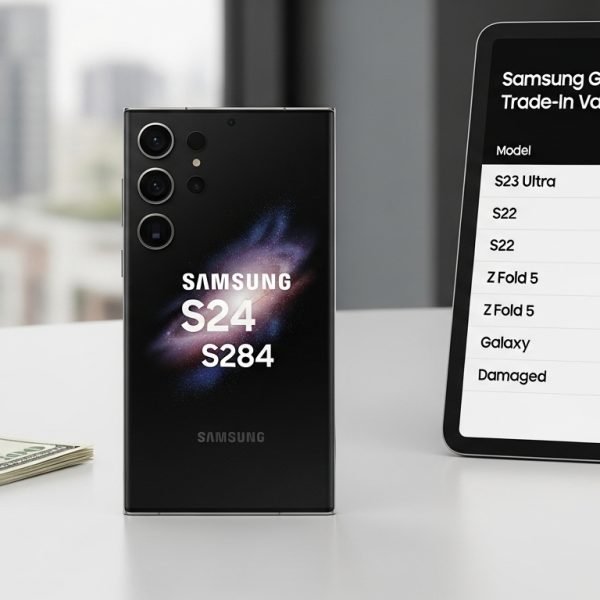
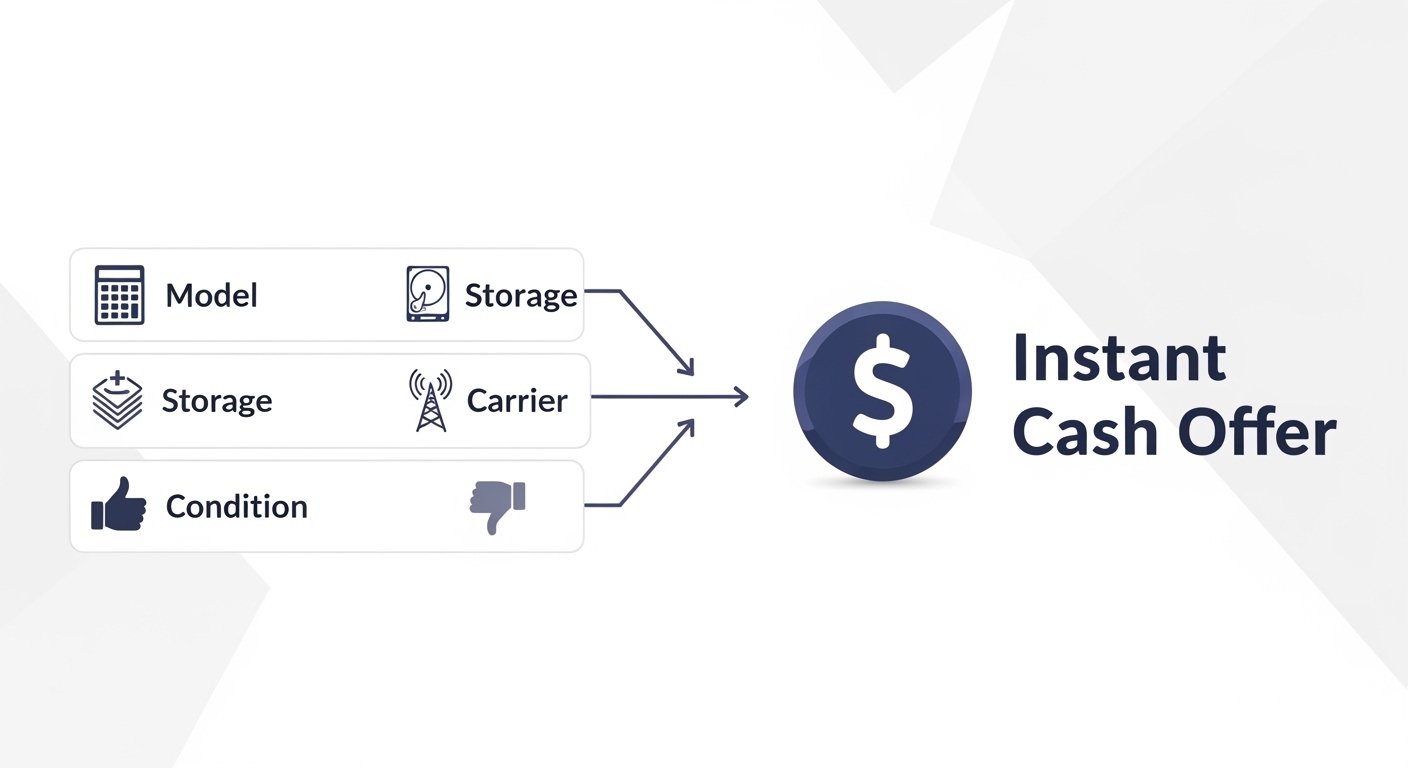
An instant phone trade-in calculator is an online tool that gives you an immediate, guaranteed offer for your used smartphone. You answer a few questions about your device—model, storage, carrier, condition—and the calculator returns a cash price.
Our phone value calculator is one of the most accurate in the industry. It uses real-time market data to determine what your device is worth right now. No waiting. No guessing. Just an instant, reliable offer.
Whether you want to sell iPhone for cash or offload a Samsung phone trade-in, a good calculator is your first step to getting paid.
How the Calculator Works (Behind the Scenes)
Ever wonder how a calculator knows what your phone is worth? Here's the technology behind it:
- Real-time market data: Our algorithm pulls live pricing from wholesale markets, retail channels, and historical sales data.
- Supply and demand modeling: Newer phones in high demand get premium pricing. Older models with oversupply see lower values.
- Condition-based adjustments: Each condition grade has a built-in multiplier. A "Flawless" phone might get 100% of base value, while "Damaged" gets 30-50%.
- Carrier value adjustment: Unlocked phones receive a 10-20% premium because they have a larger buyer pool.
- Depreciation curves: Our algorithm knows exactly how quickly each model loses value over time.
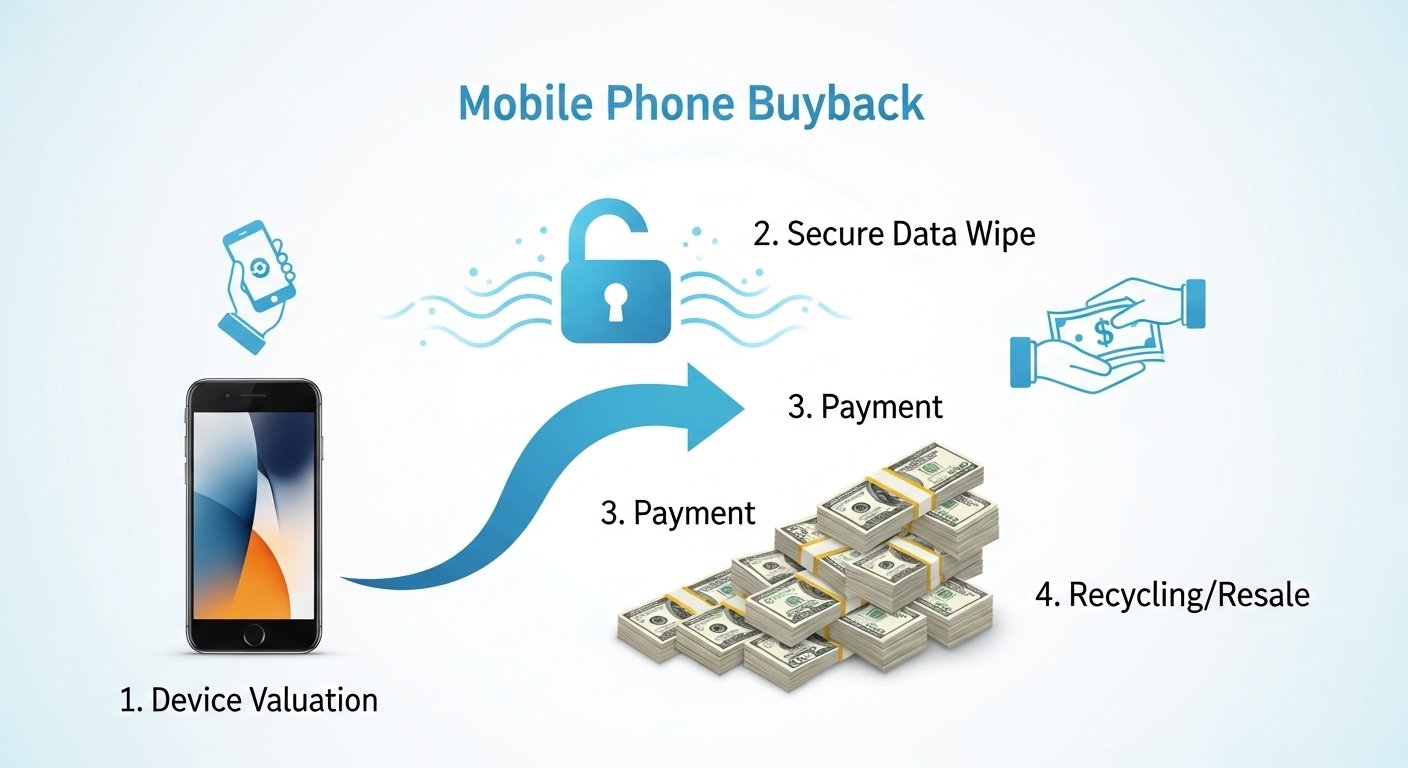
When you use our mobile buyback service, the calculator offer is the same price our team will honor after inspection—provided your device matches your description.
Step-by-Step: Using a Trade-In Calculator
Using a calculator is straightforward. Here's exactly what to do:
- Select your brand: Apple (iPhone), Samsung, Google, or other manufacturer.
- Choose your model: iPhone 14 Pro Max, Galaxy S23 Ultra, etc. Be specific.
- Select storage capacity: 64GB, 128GB, 256GB, 512GB, or 1TB. This significantly impacts value.
- Choose your carrier: Unlocked, AT&T, Verizon, T-Mobile, or other.
- Answer condition questions: Screen condition, functionality, battery health, cosmetic wear.
- Get your instant offer: The calculator displays your guaranteed price.
- Accept or compare: Accept the offer or try other calculators to compare.
That's it. The entire process takes less than 60 seconds.
The Condition Guide: Getting Your Grading Right
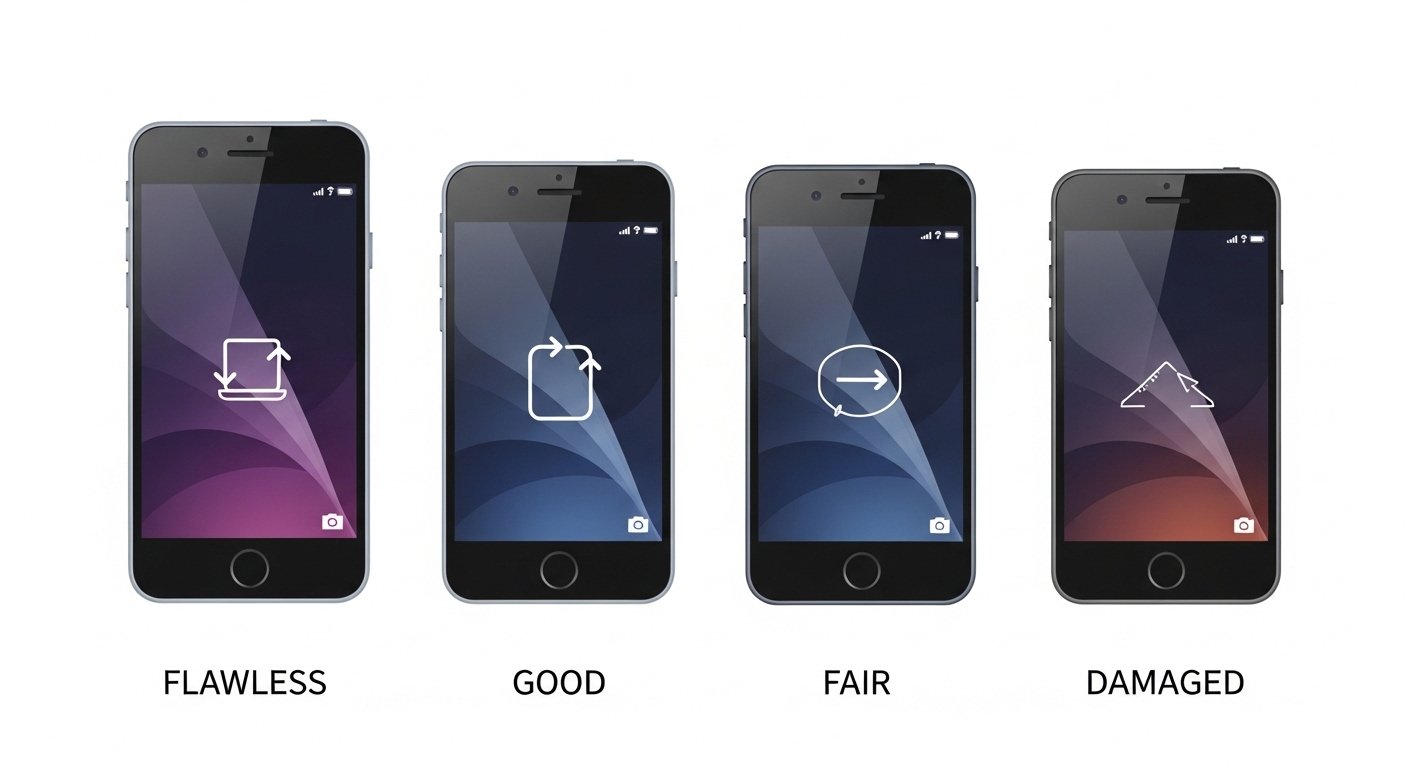
Condition is the most common area of confusion. Here's a clear guide to each grade:
| Grade | Description | Example |
|---|---|---|
| Flawless / Like New | No scratches, no wear, perfect functionality, original box included | Phone used for 2 weeks with a case and screen protector |
| Good / Very Good | Minor wear (micro-scratches visible only under light), perfect functionality | Phone used for 6 months with a case, minor screen microscratches |
| Fair / Acceptable | Visible scratches, minor dents, but screen not cracked and everything works | Phone used for 18 months without a case, visible wear but functional |
| Damaged / Broken | Cracked screen, dead pixels, camera issues, button problems, battery issues | Phone with cracked screen but otherwise working |
| Non-Working / Parts Only | Won't power on, severe water damage, major component failure | Phone dropped in water, won't turn on |
7 Factors That Affect Your Phone's Value
The calculator considers multiple factors to determine your offer:
- Model & Age: Newer models command higher prices. An iPhone 14 is worth significantly more than an iPhone 11.
- Storage Capacity: More storage = more value. A 512GB phone can be worth $100-200 more than the 128GB version.
- Carrier Status: Unlocked phones are worth 10-20% more than carrier-locked devices.
- Physical Condition: A flawless screen can add $50-150 compared to a scratched one.
- Battery Health: Phones with battery health above 85% are more desirable. Below 80% may reduce value.
- Functionality: Everything must work—cameras, buttons, speakers, microphones, charging port.
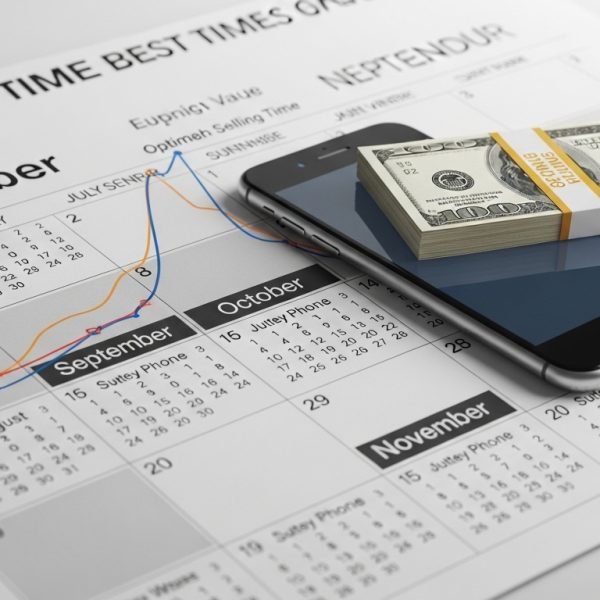
- Market Timing: Values drop right after new model releases. Sell before the next iPhone launch for best pricing.
Calculator vs. Manual Pricing: Which Is Better?
You could try to price your phone manually by checking eBay sold listings. But here's why a calculator is better:
| Factor | Instant Calculator | Manual Pricing (eBay, etc.) |
|---|---|---|
| Speed | 60 seconds | 30-60 minutes |
| Accuracy | Real-time market data | Outdated or inconsistent |
| Guarantee | Offer is guaranteed | No guarantee of sale |
| Fees | No seller fees | 10-15% in fees |
| Scam Risk | Very low | Moderate to high |
For most people, an instant calculator is faster, more accurate, and less stressful than manual pricing.
How to Get the Highest Calculator Offer
Want to maximize your quote? Follow these strategies before using the calculator:
- Unlock your phone first. Request a carrier unlock before getting a quote. An unlocked phone typically adds 10-20% to your offer.
- Clean your phone thoroughly. Remove dust from charging ports and wipe the screen. A clean phone may be graded higher.
- Remove all accounts. Turn off Find My iPhone and remove your Google account. Locked devices can't be processed.
- Be honest about condition. Overstating leads to offer reductions. Accurate descriptions mean faster payment.
- Compare multiple calculators. Get quotes from 3-4 reputable buyback sites. Prices can vary by $50-100.
- Time your sale. Values are highest just before a new model launches. Sell 1-2 months before expected release dates.
For a complete preparation guide, check out our complete guide on trading in your phone for cash.
Common Calculator Mistakes (And How to Avoid Them)
Even a simple tool can be misused. Here are the most common mistakes:
- Selecting the wrong model: iPhone 14 vs. iPhone 14 Pro vs. iPhone 14 Pro Max are very different values. Double-check your model number.
- Overestimating condition: A "Flawless" phone has literally no wear. Most used phones are "Good" or "Fair." Be honest.
- Forgetting to mention damage: A cracked screen or dead pixel should be reported. If you don't, your offer will be adjusted downward after inspection.
- Not checking carrier status: Selecting "Unlocked" when your phone is locked to a carrier will result in a lower final offer.
- Only checking one calculator: Offers vary. Always compare 3-4 sites before accepting.
Frequently Asked Questions
Yes, when used correctly. Our calculator uses real-time market data. The offer you see is the price we'll pay if your device matches the described condition. Always be honest in your assessment.
Most calculators guarantee offers for 7-30 days. Our offers are guaranteed for 14 days, giving you time to ship without rushing.
Absolutely. Most calculators have a "Damaged" or "Cracked Screen" option. You'll still get an offer—just lower than a perfect phone. Check phone value for any condition.
Each buyback service has different resale channels, overhead costs, and demand forecasts. That's why comparing multiple calculators is so important.
No. The calculator is no-obligation. You can get a quote, compare it to other sites, and only accept when you're ready.
Trade In Your Phone Instantly
Ready to see what your phone is worth? Use our instant calculator now—no obligations, just a guaranteed cash offer in 60 seconds.
⚡ Instant quotes | 💰 Guaranteed offers | 📦 Free shipping
Want to learn more about phone valuations? Read our comparison of Apple trade-in vs. Verizon & Mint Mobile or check out our guide on why buyback sites pay more.