
Phone Selling Checklist: Your Complete Guide to iPhone Trade In Success
You're ready to sell your phone. But are you really ready? Most people skip critical steps that cost them real money—$50, $100, even $200 less than they could have gotten. A few minutes of preparation can make a huge difference.
This phone selling checklist walks you through every step, from backing up your data to shipping your device. Whether you're planning an iPhone trade in or selling a Samsung, follow this guide to maximize your cash offer. Let's get you paid.
Table of Contents
- Why You Need a Selling Checklist
- The Complete Phone Selling Checklist
- Step 1: Back Up Your Data
- Step 2: Remove All Accounts & Locks
- Step 3: Factory Reset Your Phone
- Step 4: Clean & Inspect Your Device
- Step 5: Unlock from Carrier (If Possible)
- Step 6: Gather Accessories
- Step 7: Get Your Quote
- Step 8: Pack & Ship Securely
- Common Mistakes That Cost You Money
- Frequently Asked Questions
- Get Your Instant Offer
Why You Need a Selling Checklist
Selling a phone seems simple. But small oversights can cost you big. Forgetting to remove your Apple ID makes your phone worthless to a buyer. Shipping without bubble wrap can lead to damage and a reduced offer. Skipping a factory reset puts your personal data at risk.
This checklist ensures you don't miss anything. Follow it step by step, and you'll maximize your payout while protecting your data.
Our mobile buyback service makes selling easy, but proper preparation is still key. If you're looking to sell iPhone for cash, this guide is for you.
The Complete Phone Selling Checklist
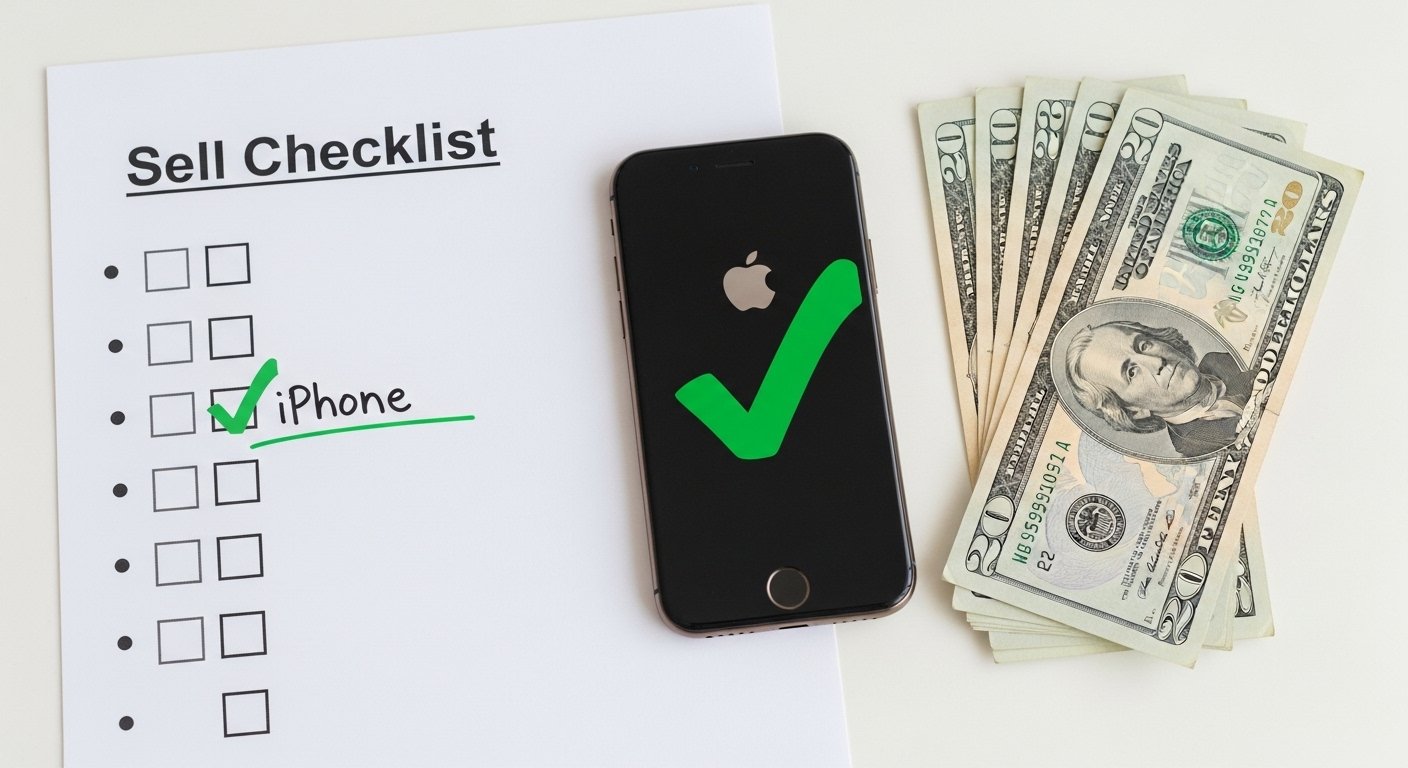
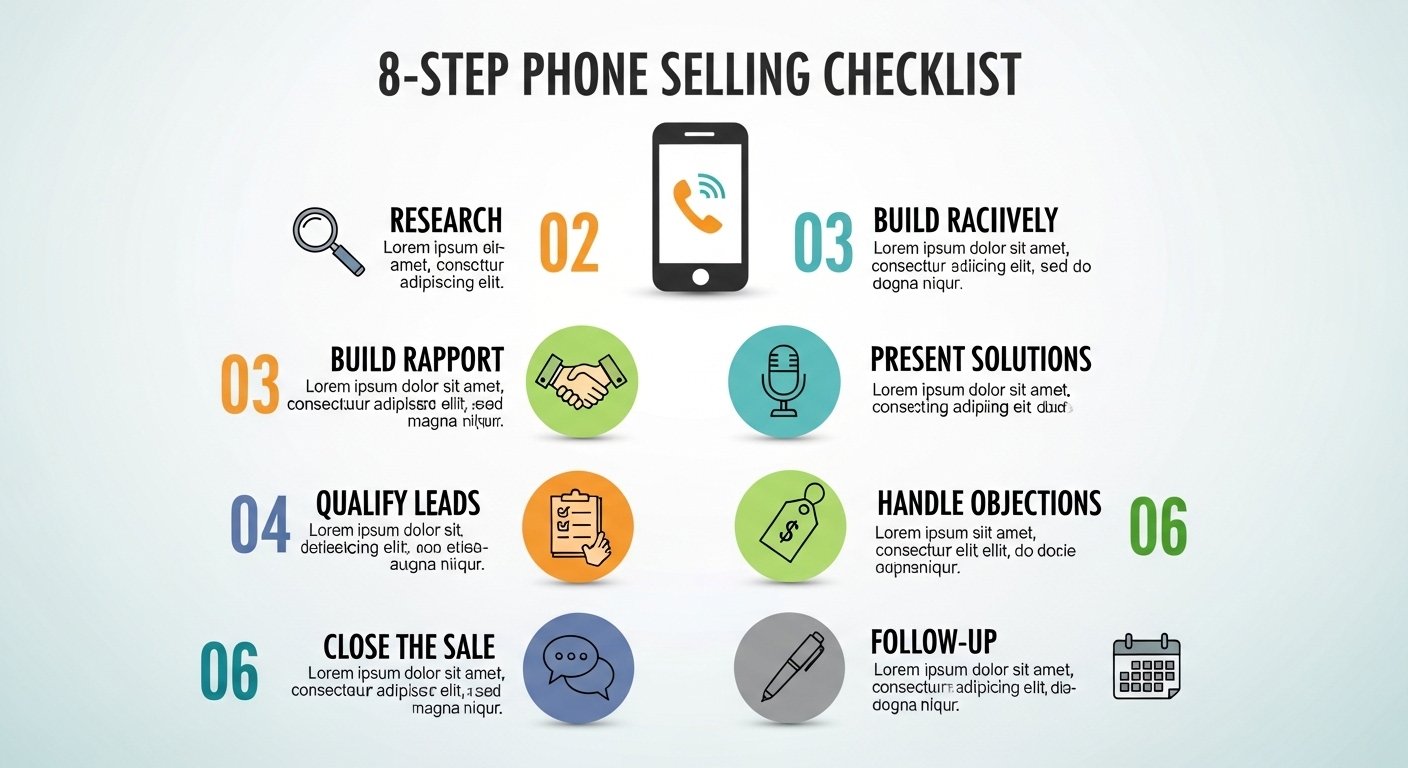
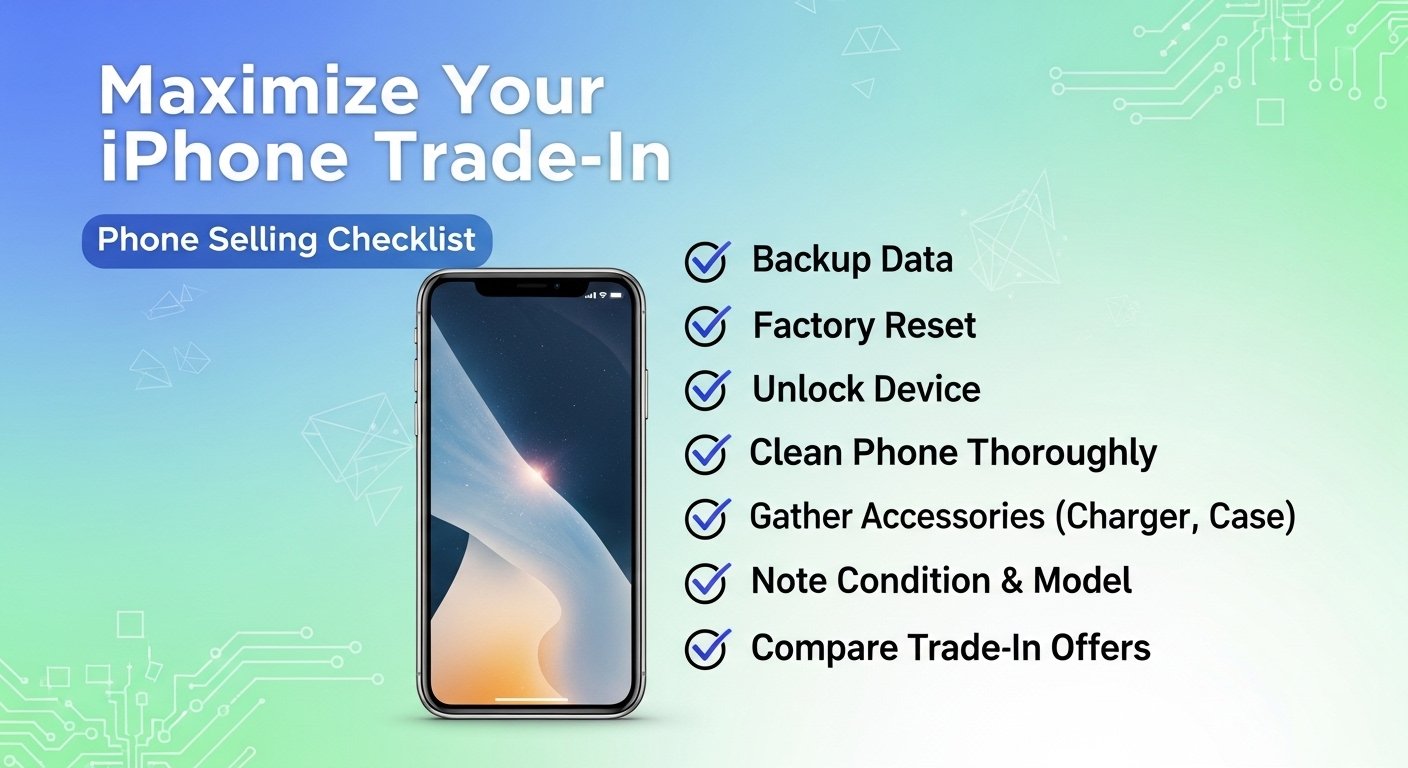
Here's everything you need to do before selling your phone. Check off each item as you go.
- ☐ Back up your data (iCloud, Google Drive, or computer)
- ☐ Sign out of iCloud / Google account
- ☐ Turn off Find My iPhone / Find My Device
- ☐ Disable Activation Lock / Reactivation Lock
- ☐ Remove SIM card and SD card
- ☐ Factory reset the device
- ☐ Clean the phone thoroughly
- ☐ Inspect for damage (be honest about condition)
- ☐ Unlock from carrier (if eligible)
- ☐ Gather original accessories (box, charger, cable)
- ☐ Take photos of the phone (for your records)
- ☐ Get a quote from a reputable buyback service
- ☐ Pack securely with bubble wrap
- ☐ Ship with tracking and insurance
Step 1: Back Up Your Data
Before you wipe your phone, make sure you don't lose your photos, contacts, and important files.
- iPhone: Go to Settings > [Your Name] > iCloud > iCloud Backup > Back Up Now. Or connect to a computer and back up via Finder/iTunes.
- Android: Go to Settings > Google > Backup > Back up now. Or use Samsung Smart Switch for Galaxy devices.
Step 2: Remove All Accounts & Locks
This is the most critical step. A phone with Activation Lock or Reactivation Lock is worthless to a buyer.
- iPhone - Remove iCloud & Find My iPhone: Settings > [Your Name] > Sign Out. Enter your Apple ID password to turn off Find My iPhone.
- iPhone - Remove iMessage & FaceTime: Settings > Messages > Send & Receive > Remove your phone number. Same for FaceTime.
- Android - Remove Google Account: Settings > Accounts > Google > Select account > Remove account.
- Samsung - Remove Samsung Account & Reactivation Lock: Settings > Accounts > Samsung account > Remove. Then Settings > Biometrics and security > Find My Mobile > Turn off Reactivation Lock.
Step 3: Factory Reset Your Phone
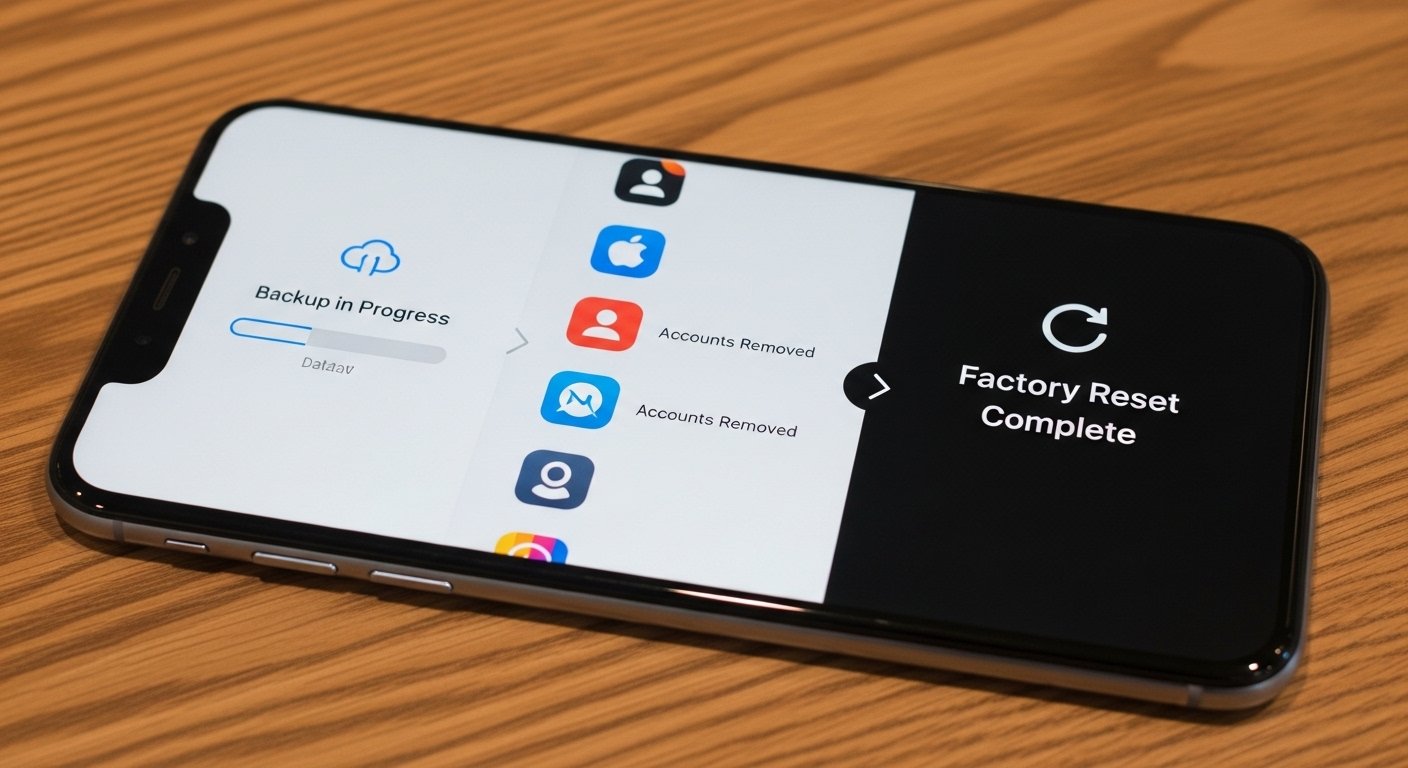
After removing accounts, perform a factory reset to wipe all remaining data.
- iPhone: Settings > General > Transfer or Reset iPhone > Erase All Content and Settings.
- Android: Settings > General management > Reset > Factory data reset > Reset.
The phone will restart as if it's brand new. You'll see the "Hello" setup screen. That's exactly what you want.
Step 4: Clean & Inspect Your Device
A clean phone presents better and may be graded higher. Take 5 minutes to do it right.
- Wipe the screen: Use a microfiber cloth. Avoid paper towels (they can scratch).
- Clean the ports: Gently remove lint from charging port with a wooden toothpick or SIM eject tool.
- Remove case and screen protector: Let the grader see the actual condition.
- Remove sticky residue: If you used a PopSocket or adhesive mount, clean off residue with a tiny amount of rubbing alcohol.
- Inspect for damage: Be honest about scratches, cracks, or other issues. Accurate descriptions lead to faster payment.
Step 5: Unlock from Carrier (If Possible)
Unlocked phones sell for 10-20% more. If you're eligible, unlock before selling.
- AT&T: Request online after phone is paid off.
- Verizon: Many phones auto-unlock after 60 days (even if not paid off). Check yours.
- T-Mobile: Request via app after phone is paid off and active for 40+ days.
If you can't unlock, that's okay—we still accept locked phones. You'll just get a slightly lower offer.
Step 6: Gather Accessories
Including original accessories can add $5-15 to your offer. It also signals a well-cared-for device.
- Original box
- Charger and charging cable
- Documentation (manuals, SIM eject tool)
Not required, but appreciated. If you don't have them, no problem—send just the phone.
Step 7: Get Your Quote
Now you're ready to get an offer. Use our phone value calculator for an instant, guaranteed price.
- Select your phone model, storage, and carrier
- Answer condition questions honestly
- Get your offer in 60 seconds
- Lock in the price (guaranteed for 14 days)
Compare offers from 2-3 reputable buyback sites to ensure you're getting the best deal.
Step 8: Pack & Ship Securely
Once you accept an offer, ship your phone using the free prepaid label.
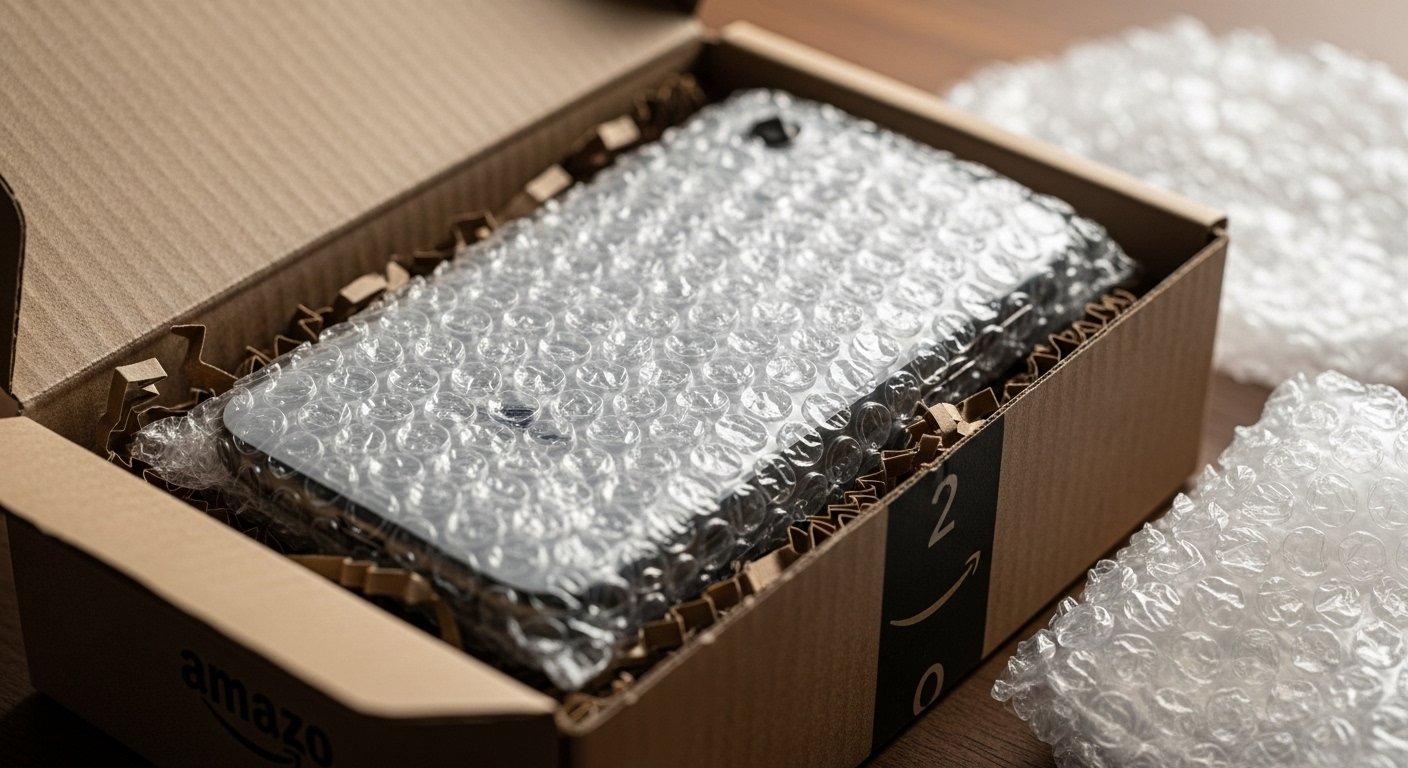
- Use bubble wrap: Wrap the phone in at least 2 layers of bubble wrap.
- Use a sturdy box: Don't ship in a paper envelope. Use a small box or padded mailer.
- Include accessories (if any): Place them in the same box.
- Write your order number: Inside the box for easy matching.
- Drop off at carrier location: USPS, UPS, or FedEx depending on your label.
- Save tracking number: Keep it until payment is received.
Common Mistakes That Cost You Money
Avoid these errors that we see every day:
- Forgetting to remove iCloud/Find My iPhone: #1 cause of delays and reduced offers.
- Shipping without bubble wrap: Damage in transit reduces your offer.
- Overstating condition: "Flawless" when there are micro-scratches leads to adjustments.
- Not unlocking when eligible: Leaving money on the table—unlock for 10-20% more.
- Only checking one buyback site: Prices vary by $50-100. Compare offers.
- Waiting too long to ship: Offers expire. Ship within the guarantee window.
For a complete guide, check out our complete guide on trading in your phone for cash.
Frequently Asked Questions
Yes. Your SIM card contains personal information. Remove it before shipping. If you're keeping your number, you'll need the SIM for your new phone anyway.
It helps! Original accessories can add $5-15 to your offer and signal a well-cared-for device. But it's not required—we accept phones alone.
After signing out, go to iCloud.com/find and check if your device is no longer listed. Also, try setting up the phone as new—if you don't see an activation lock screen, you're good.
Yes. Just be honest about the damage when getting your quote. We accept phones in any condition. The offer will be lower, but you'll still get cash.
If you can't use the screen, you can remotely wipe an iPhone via iCloud.com/find. For Android, use Find My Device from a computer. If neither works, contact the buyback service—they may have alternative options.
Trade In Your Phone Instantly
Ready to sell? Use our checklist, then get your instant cash offer. Free shipping, fast payment, and top dollar guaranteed.
✅ Follow the checklist | 💰 Get top dollar | 📦 Free shipping
Want more selling advice? Read our how to sell locked phones guide or check out our Samsung trade-in vs resale guide.