





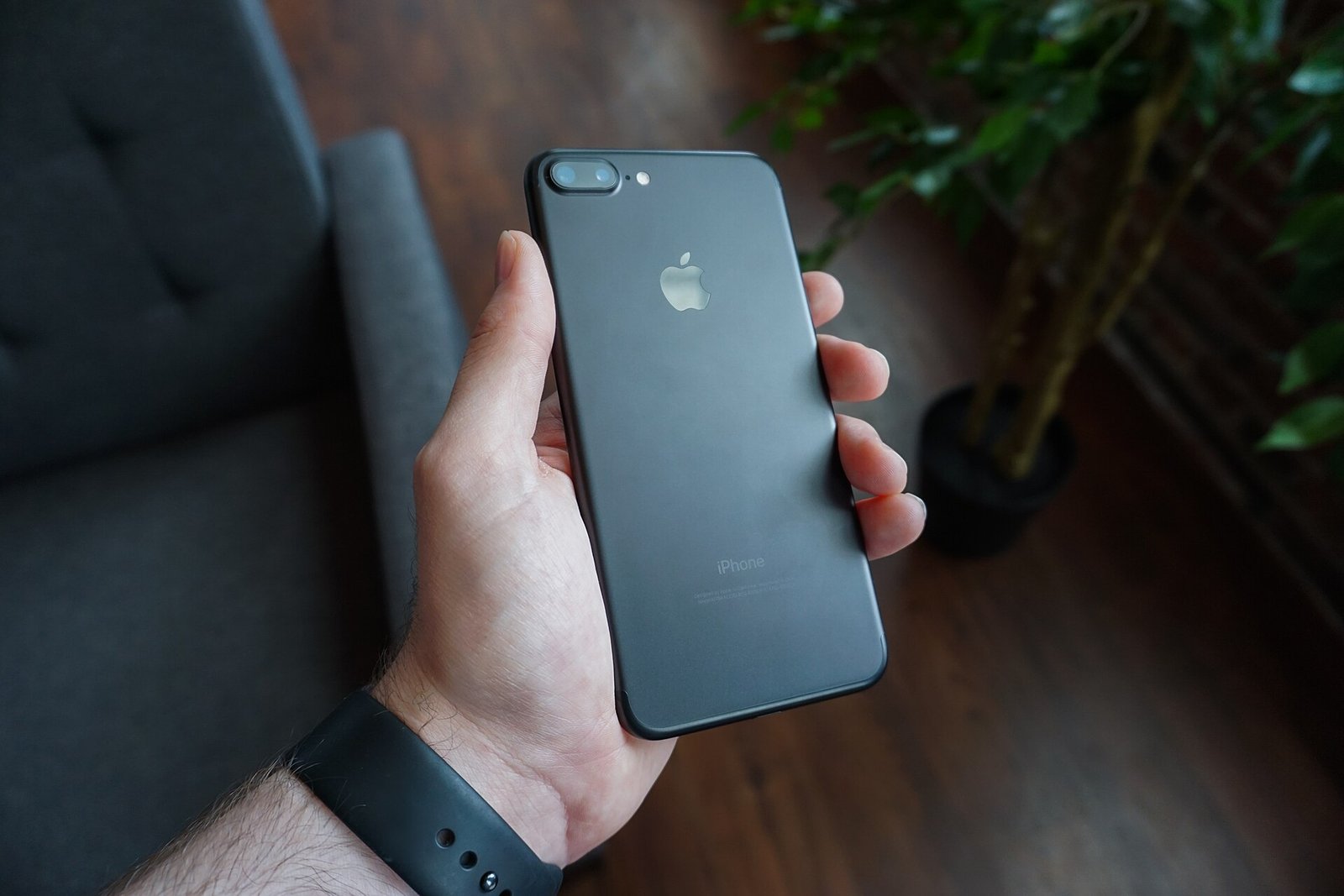
Trading in a phone through US Cellular sounds simple: hand over your old device, get credit toward a new one. In practice, customers run into a handful of recurring problems — a trade-in value that drops after inspection, a device rejected for condition, a payout that never arrives, or a promotion that does not apply. Most of these issues trace back to how the program works behind the scenes: US Cellular’s trade-in program is run by Hyla Mobile (part of Assurant), which grades, refurbishes, and resells traded devices.
How the US Cellular trade-in process works
When you trade in a phone with US Cellular, the value you are quoted in store or online is an estimate based on the model and the condition you describe. Your old phone is then shipped to Hyla Mobile, which inspects it, assigns a final condition grade, and confirms the credit. That credit usually appears as a bill credit or as monthly promotional credits spread across your bills, rather than as an instant cash refund. Understanding that two-step process — estimate first, inspection second — explains nearly every problem customers report.
Why US Cellular trade-in values change after inspection
The quote you see in store or online is an estimate based on the condition you describe. Hyla’s final grading happens after the device arrives at its facility, and the value can fall if the phone shows damage you missed, a cracked screen, a failing battery, or a device that does not power on. Water damage indicators, aftermarket screens, and missing accessories can also lower the grade.
Fix: before trading in, photograph your phone from every angle, note any scratches or cracks honestly, and keep the original charger and box if you have them. If the final value drops, ask US Cellular or Hyla support for the inspection report and the specific reason for the downgrade — customers who challenge vague downgrades with dated photos of the device’s condition often get the value restored.
Device rejected for condition or “not as described”
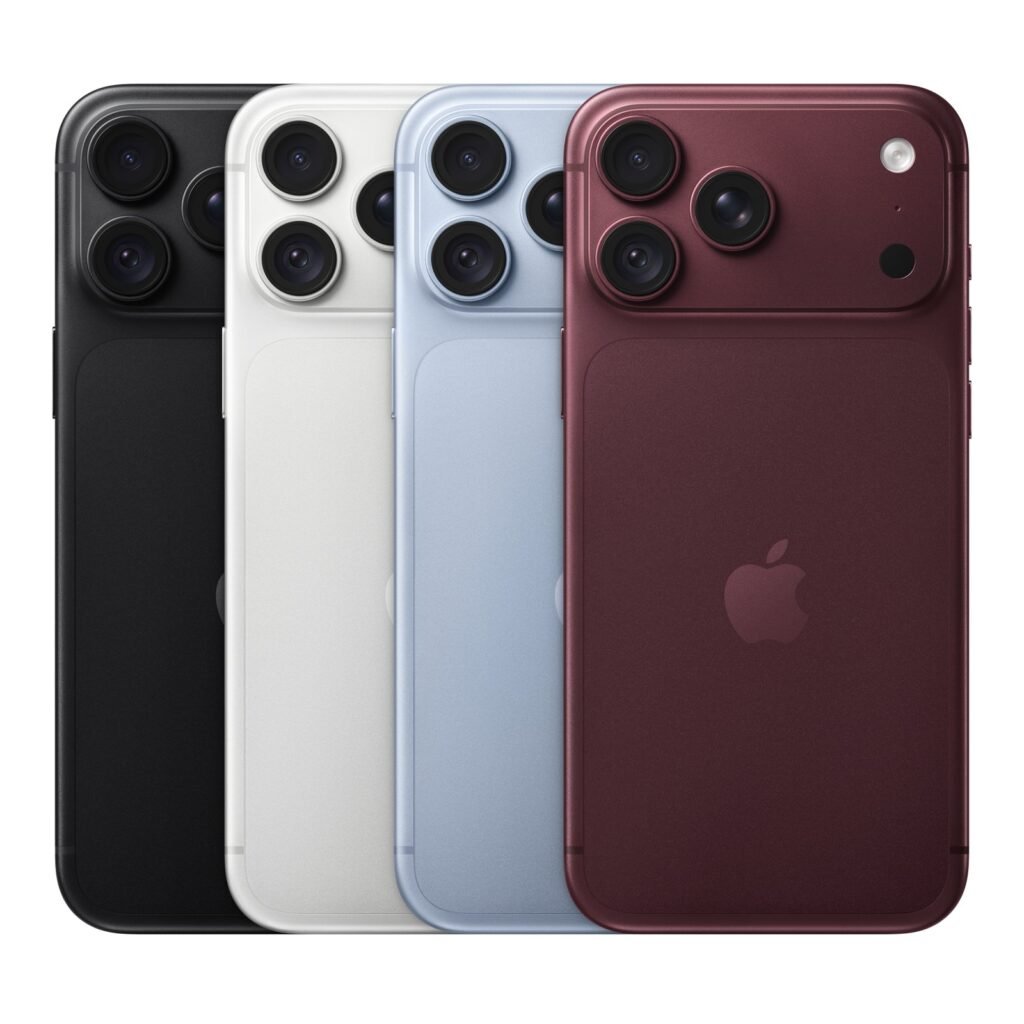
A rejection usually means the phone failed one of Hyla’s checks: it does not power on, the screen is cracked beyond the accepted tier, the device is carrier-locked to another network, or Find My iPhone or Google’s factory reset protection is still active.
Fix: back up your data, sign out of iCloud or your Google account, and factory reset the phone before sending it. Remove any SIM and memory card. Confirm the phone is paid off and unlocked if required, and keep your tracking number and shipment receipt until the credit posts.
Payout or bill credit never appears
Trade-in credit usually appears as a bill credit or a promotional credit spread over monthly bills, not as an instant refund — and promotional credits often take one to two billing cycles to show up. A missing credit is frequently a timing issue, but it can also mean the trade-in was never matched to your account.
Fix: keep your trade-in submission confirmation and tracking proof. If the credit is missing after two billing cycles, contact US Cellular support with your order number, the device IMEI, and the tracking number, and ask them to trace the Hyla submission. Escalate to a supervisor if the first agent cannot locate it.
Promotion did not apply
Many US Cellular trade-in deals require a specific new device, a qualifying unlimited plan, and a phone in a qualifying condition tier. Buying the wrong model or plan, or trading a device below the required tier, can silently disqualify the promotion.
Fix: read the promotion terms before you buy, and confirm in store or on the receipt that the promotion is attached to your line. If a promotion is missing after purchase, contact support promptly — carriers can usually add a promotion retroactively within a window, but waiting months makes it harder.
Phone lost in transit or never received
A trade-in kit that goes missing is rare but stressful, because the phone is gone and the credit is not coming.
Fix: use the prepaid label provided, photograph the sealed package with the label visible, and keep the tracking receipt. If tracking stalls, open a case with both the carrier and the shipping provider immediately, and report the device IMEI as shipped so it cannot be resold as lost property.
What to do if support cannot find your trade-in
If neither US Cellular nor Hyla can locate your device, gather every reference you have: the order number, the IMEI, the tracking number, photos of the phone and the sealed package, and the date you shipped it. Ask for a case number and a callback date, and follow up in writing through the carrier’s support chat or email so you have a record. If the case stalls, filing a complaint with the carrier’s executive support team or the Better Business Bureau often gets a senior reviewer assigned.
Trade-in checklist before you ship
Back up your photos and contacts, sign out of every account, factory reset the device, remove the SIM and memory card, photograph the phone’s condition, and keep the tracking receipt until the credit posts. Ten minutes of preparation prevents most of the problems in this guide.
FAQ
Who handles US Cellular trade-ins?
US Cellular’s trade-in program is operated by Hyla Mobile, part of Assurant, which inspects, grades, and processes traded devices.
Why did my US Cellular trade-in value drop?
The initial quote is an estimate. The final value is set after Hyla inspects the device, and it can fall for undisclosed damage, a failing battery, or a device that does not power on.
How long does a US Cellular trade-in credit take?
Promotional bill credits commonly take one to two billing cycles to appear. If nothing shows after two cycles, contact US Cellular support with your order number, IMEI, and tracking number.
What should I do before trading in my phone?
Back up your data, sign out of iCloud or Google, factory reset the device, remove the SIM, and photograph the phone’s condition before shipping it.
Related guides: https://cellularheros.us/us-cellular-trade-in/ and https://cellularheros.us/phone-selling-checklist/
Device pages: https://cellularheros.us/phones/iphone-18-pro-max/ and https://cellularheros.us/phones/samsung-galaxy-s26-ultra/
Sources: https://cellularheros.us/us-cellular-trade-in/