





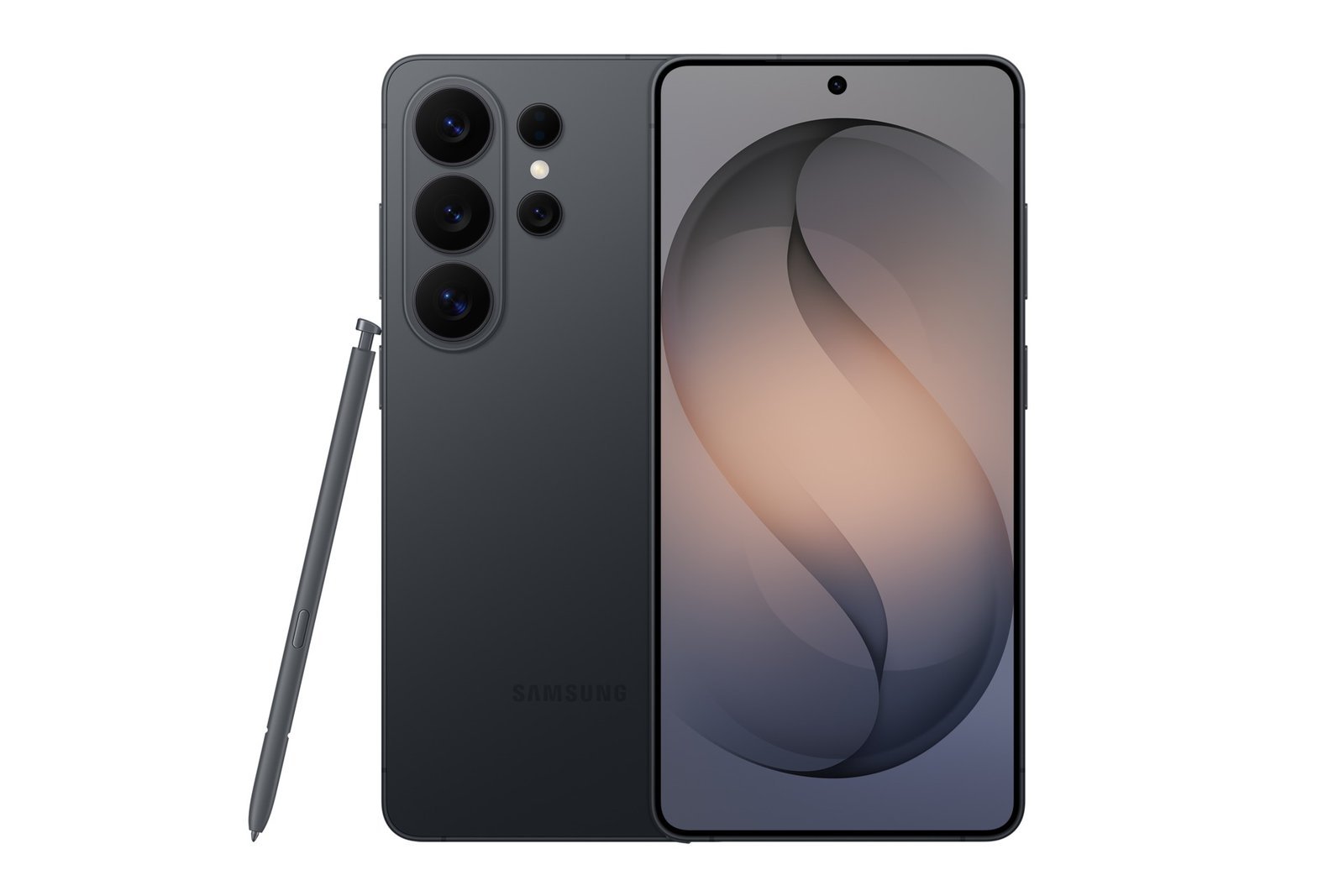
Samsung’s One UI 9 update is bringing an unwelcome surprise for some Galaxy S24 and S25 owners: battery life that suddenly falls short of what they are used to. Complaints range from faster overnight drain to phones needing several charges a day. Samsung has not publicly confirmed a widespread One UI 9 battery defect or announced a dedicated fix, so this remains a pattern of user reports rather than an established fault, and many owners report no change at all.
What owners are reporting
The complaints vary considerably. One Galaxy S24 Ultra owner reported losing 95 percent of battery in about five hours and 20 minutes, with three hours and 15 minutes of screen-on time. Samsung reportedly contacted that owner to arrange a service appointment, but help for one device does not establish a broader software problem. Other owners say their phones now need charging three or four times a day, while some report battery life that seemed normal for a week after updating on October 14 before deteriorating. The stable One UI 9 rollout, based on Android 17, is now reaching the Galaxy S25 series, Galaxy Z Fold 7, and Galaxy Z Flip 7, with the rollout confirmed live in South Korea.
What to check before assuming the worst
Some post-update drain is normal: a major update triggers background optimization and battery relearning that usually settles within a few days. If drain persists, check Settings, then Battery, for the usage graph and any single app consuming unusual power, update all apps from both the Galaxy Store and Google Play, and restart the phone. Check Modes and Routines for location-based automations running in the background. A factory reset should be a last resort, not a first step. If the problem continues, Samsung Members diagnostics can test battery status, and an error report with your model, software version, and usage screenshots helps support investigate.
Why it matters
Battery complaints after major updates are a recurring Samsung story, and they feed a wider reluctance to update at all: a June 2026 study found most US respondents avoid updates unless necessary. For now, the honest position is uncertainty. The reports are real and consistent enough to take seriously, but they do not prove every S24 or S25 is affected, and no single fix works for everyone. We will update this story if Samsung confirms a cause or ships a fix. Compare Samsung’s current flagship: Samsung Galaxy S26 Ultra (https://cellularheros.us/phones/samsung-galaxy-s26-ultra/).
FAQ
Does One UI 9 drain the battery on all Galaxy phones?
No. Reports focus on some Galaxy S24 and S25 owners, and many owners report no change. Samsung has not confirmed a widespread fault.
How long does post-update battery drain last?
Temporary background optimization usually settles within a few days. Drain lasting beyond a week deserves a closer check of battery usage and apps.
What should I check first for One UI 9 battery drain?
Restart the phone, update all apps, check Settings and Battery usage for a power-hungry app, and review Modes and Routines automations before considering a reset.
Has Samsung fixed the One UI 9 battery problem?
Samsung has not announced a dedicated fix. A recent under-600MB update for Galaxy S26 owners mentions only general stability improvements.
Sources: Tech Advisor (https://www.techadvisor.com/article/3270181/samsung-galaxy-phones-hit-with-battery-life-drop-after-one-ui-9-update.html), TechRepublic (https://www.techrepublic.com/article/news-samsung-one-ui-9-battery-drain-update-complaints/), Gadget Hacks (https://samsung.gadgethacks.com/news/galaxy-s24-s25-battery-drain-after-one-ui-9-update-explained/)